
How-to guides
How-To Guides for the Platform
Short, step-by-step guides for every tool you get with Live Free Software. Each one is written for business owners, so you can follow along between jobs without calling anyone.
- Nine topics
- Step by step, in plain English
- Free to read, no login

New here?
Start with your first week.
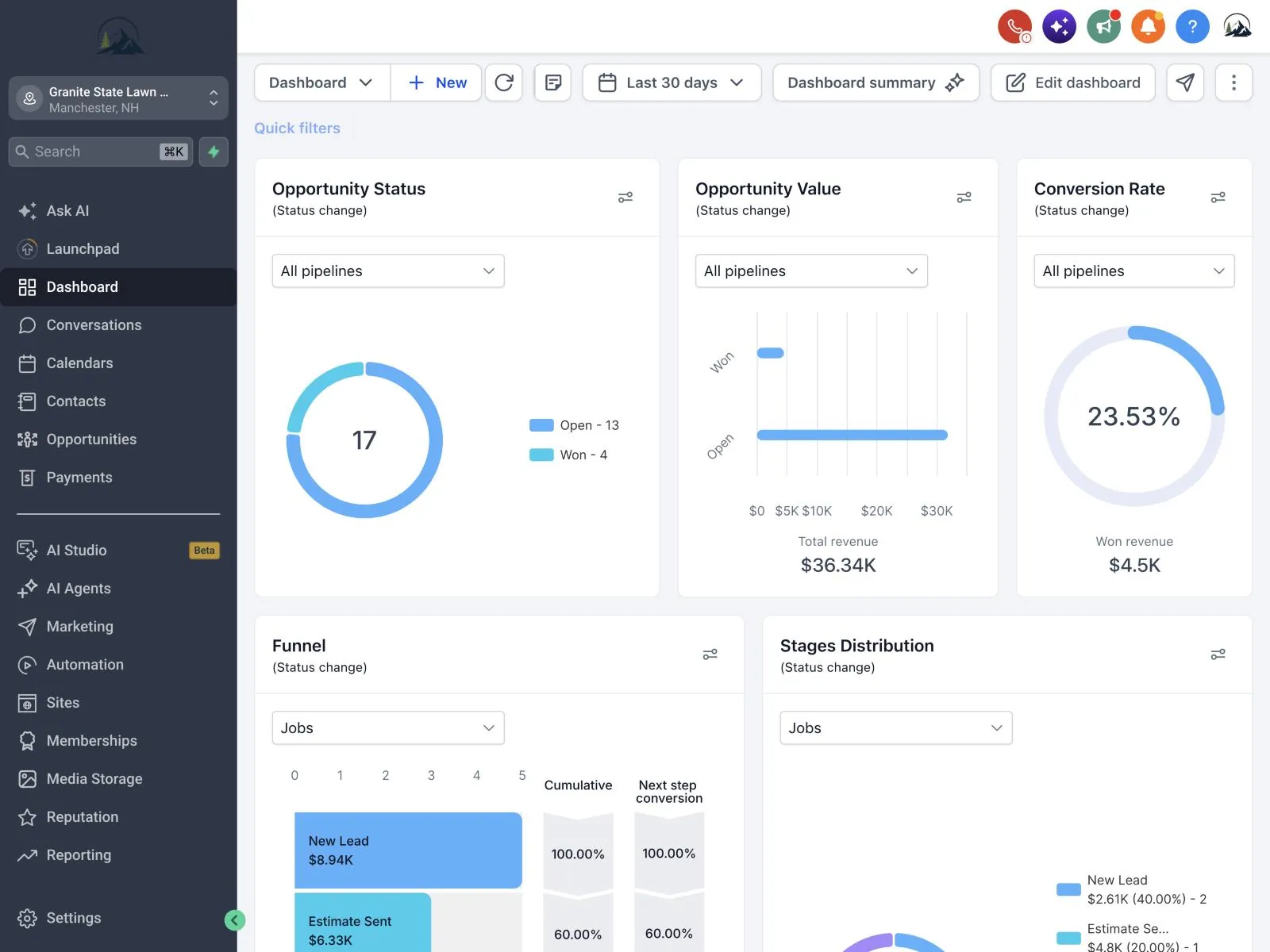
The Getting Started guide walks you through the first few days in order: logging in, filling in your business profile, connecting your domain and phone number, and bringing your contacts over.
Do those once and every other tool on this page works better, because it already knows your name, hours and customers.
Every topic
Live Free Software how-to guides, by tool.
Each guide covers one part of the platform. The label under each name shows which plan includes that tool.
Websites & PagesEvery plan
Open the guideBuild and change your site yourself, then put it on your own domain.
Pages and sections, domains, forms, SEO settings, publishing
CRM & Contacts$150 plan and up
Open the guideKeep every customer, lead and conversation in one list.
Adding and importing contacts, tags, pipelines, deals, conversations
Automation$300 plan
Open the guideLet the follow-up happen on its own after a form, call or booking.
Triggers, actions, waits, if/else branches, ready-made workflows
Email & SMS$150 plan and up
Open the guideSend texts and emails to the customers who asked to hear from you.
Texting setup, SMS registration, templates, your first campaign
Reviews$300 plan
Open the guideAsk for Google reviews after every job and answer them from one inbox.
Connecting your Google Business Profile, review requests, replies
Invoicing & Payments$300 plan
Open the guideGet paid by card or text and see who still owes you.
Connecting payments, invoices, estimates, text-to-pay, recurring billing
Funnels & FormsForms $150, funnels $300
Open the guideTurn website visitors into leads that land straight in your CRM.
Landing pages, quote forms, surveys, multi-step funnels
AnalyticsEvery plan
Open the guideSee where your calls, forms and sales really come from.
Lead sources, call and form tracking, your dashboard, custom reports
Quick answers
Jump straight to a step.
- Connect your own domain
- Edit a page in the builder
- Start a blog
- Import your contacts
- Set up your booking calendar
- Register your number for texting
Can't find your question? Ask us and we'll point you to the right step.
Still stuck?
When a guide isn't enough.
Email support
Write to [email protected] with what you tried and a screenshot. We reply within one business day.
Support hours
Monday to Friday, 9 AM to 5 PM Eastern. Messages sent after hours are answered the next business day.
Hands-on help
On the $300 plan, we set up the tools with you over screen share, at whatever pace suits you.
Try it before you pay
Every guide works in the free 5-day trial, so you can test a tool before choosing a plan.
FAQ
Guide questions.
About the guides and getting help.
Email support and we'll walk you through it.
Contact usDo I need an account to read the guides?
No. Every guide is free to read on this site, whether you're a client, on a trial or just looking around.
Which guide should I read first?
Getting Started. It covers the setup steps the other tools rely on, like your business profile, domain and phone number.
Do the guides cover every plan?
Yes. Each guide notes which plan includes that tool, so you know before you start whether you'll see it in your account.
What if the screens look different from the guide?
The platform gets updates, and buttons sometimes move. Email support and we'll show you where it went, then fix the guide.
Can you just set it up for me?
On the $300 plan, we help you set up the tools at your pace. For a site Giles builds from scratch, see custom builds on the plans page.

Ready to try the tools yourself?
Start a free 5-day trial and follow along with any guide.